
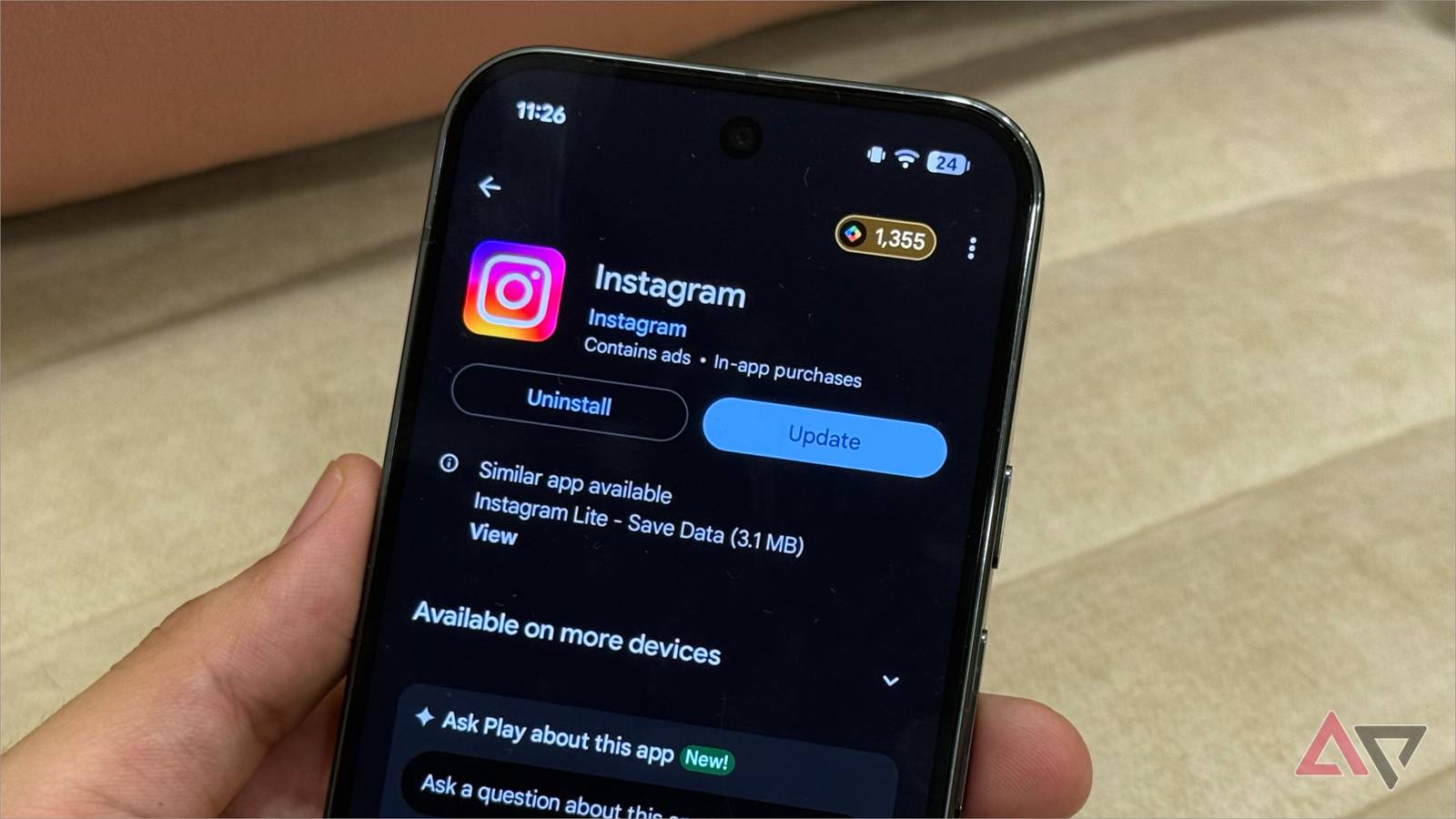
An Android developer has built a self-hosted app updater to bypass the Google Play Store. The new tool lets phone owners push their own software updates straight to their devices. This creates a simple way to keep mobile software fresh without relying on commercial store approvals.
What is a self-hosted app updater on Android?
A self-hosted app updater is a personal system that delivers software files directly from your own server to your phone. Normally, phones check a giant marketplace to see if a newer version of an application is ready. With this custom build, the phone checks your private setup instead. That means you decide when a file goes live and who can download it.
This process gives creators total freedom over their code. Regular stores often review files slowly or block small tools for minor policy reasons. Running your own update server removes those middle steps completely. It helps independent creators test ideas fast and share them directly with small groups of trusted testers.
How does skipping the store help regular phone users?
Using a private updater solves several daily problems for people who write or run custom programs. You do not have to wait hours or days for a company team to review a quick bug fix. You also keep your data on your own machines rather than sharing install statistics with corporate platforms. Here are the main benefits of using a personal setup:
- Direct distribution: You deliver fresh builds to phones without third-party delay.
- Better privacy: Your download logs stay on your private server.
- Total control: Store policy changes will not break your distribution path.
- Fast fixes: Emergency patches reach users the second you compile them.
Big digital ecosystems change their rules often, which sometimes leaves small utilities behind. For instance, tools like the default Samsung Browser get updates through large partner channels that developers cannot control. Having an alternative path ensures your personal projects keep working even when big stores change their rules.
What to watch for when you host your own software updates
Security is the biggest challenge when you leave official channels behind. Big app markets scan files for malicious code before they ever reach a consumer device. When you manage your own update pipeline, you take full responsibility for verifying that every single installer package is clean and safe to run.
Installation friction is another real issue you must handle. Android treats outside installers differently and warns users before opening packages from unknown sources. Setting up permission prompts takes extra steps for anyone who wants your tool. Even with those hurdles, this independent project proves that tech fans can still break away from massive platforms and run things their own way.


0 Comments